Houdini Tips and Tricks — complex scenes / layout
Files created by Deborah R. Fowler unless otherwise noted. Click the link or image for the .hipnc file.
When experimenting with simulations: REDUCE TO A SIMPLE CASE, TEST, BUILD FROM THERE. Simple case files are faster to test — and remember to VIEW THE GEOMETRY SPREADSHEET.
- Alembic files
- FLIPs and OpenVDB for collision geometry objects (also works for RBD) — now standard in shelf tool for FLIPs
- For FLIP caching tips see the Particles and Procedural Effects page under Fluids — Liquid
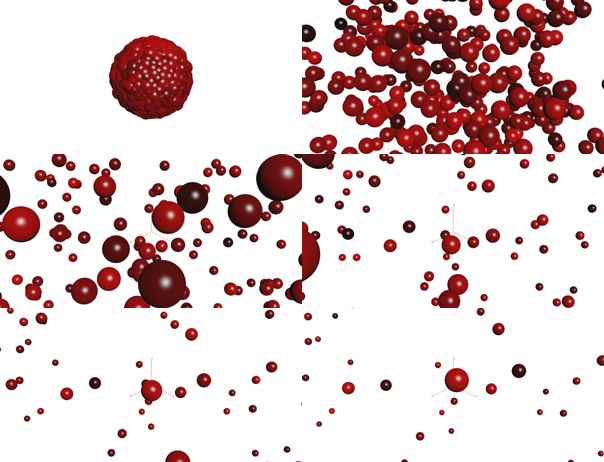
Instancing note: Packed Primitives/Alembics are the preferred workflow from H13 up, however instances are still very useful — for example, light instances, as well as to help understand the concept of point instancing, which is not package specific (packed primitives, on the other hand, are unique to Houdini). With the introduction of Solaris and Houdini 18, instancing is back — check out the Copy to Points in the Solaris context (an instancer node).
odforce — Copy SOP: Packed Prims vs Point Instance Procedural
- Instancing Examples and Instancing Notes (see also packed primitives below)
- Use fast point instancing for geometry, full point instancing for lights
- Instancing light tip for rendering — use active radius to reduce render time (enable to edit, disable to render)
These examples explore particle-driven layout and ocean interaction. Ocean may be the best choice for floating objects in recent versions.
- Floating lanterns in the sky? particlesFloatingLanternsH13.hipnc
- Floating lanterns in the water? lanternsWithRippleMoreComplexH13.hipnc — includes an example ripple SOP and the ripple solver (ocean may be a better choice — see below)
- Floating lanterns on the new ocean in 12.5 and up? lanternsFloatingTipH13.hipnc — ocean with object orientation to waves if desired (note: rendering is not set up in this sample file; refer to the shelf tool)
- Floating lanterns on the ocean in H15 (scatter node changed; need node Interpolate Position to keep points stable): NewScatterAndOceanH15.hipnc — see SideFX scatter docs
- Ocean for 15.5.632 — ready for lanterns and rendering
- SideFX docs — Packed Primitives (H17)
- Under the Rendering/Render tab, the parameter called Declare Materials can be used if your materials disappear. Valid in H18 as well — geometry packed and lost your textures? Use this setting.
-
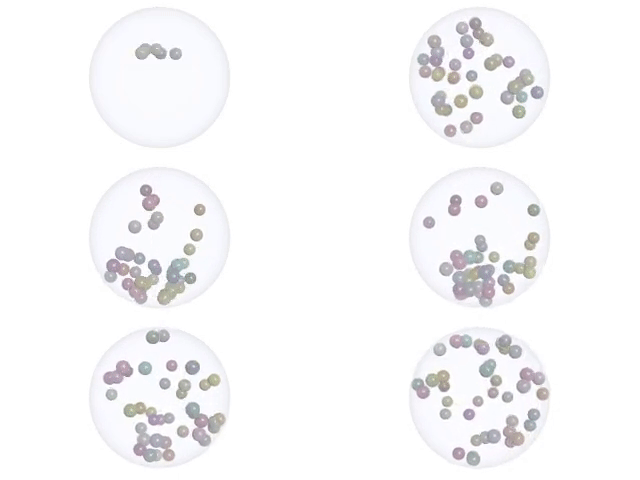
Snow Globe tip — reverse your collision normals using a point wrangle node (H17):
@N = -@N - Pop instance and interact (H17)
- Particles — Tips on rendering particles that look like water — available but under construction
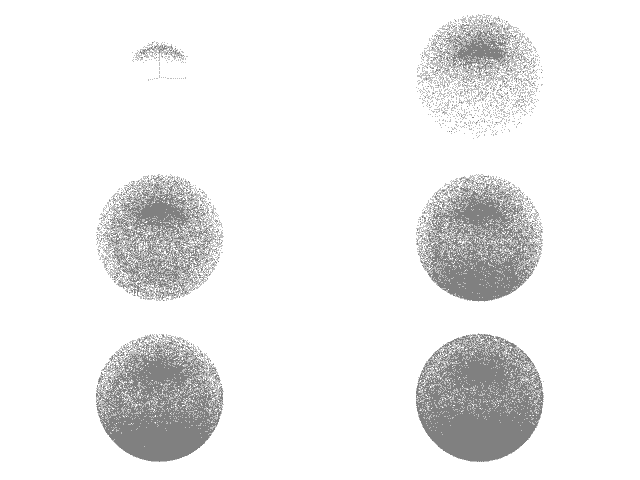
- Rendering particles as points: refer to renderAsPoints.hipnc
- Particles — grabbing information out of a particle node: attribute create example
- See instancing examples for particles used for layout
- Example comparing old POP networks (<H13) and new Particle Dynamics (≥H13) using the pop wrangle node: wranglePop.hipnc (VEX OTL here)
- Pop curve pc follow (also see Student Examples below)
- Pop Spin
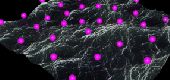
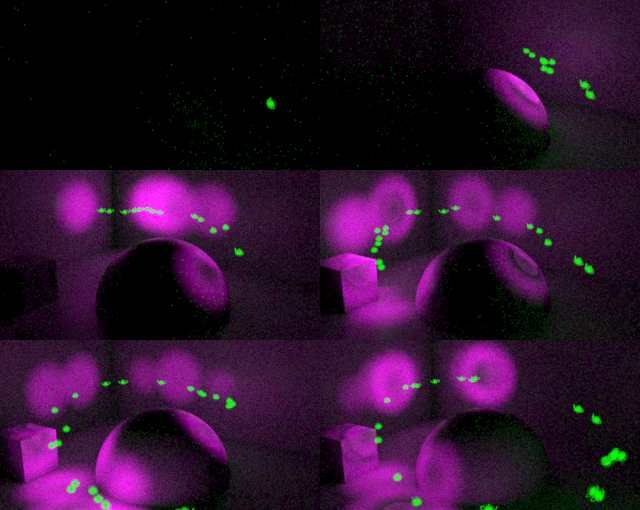
- Instanced Lights on Particles — updated to H18. Uses pop curve follow to create points; instanced lights added with active radius/attenuation ramp and the instance object taken out of the shadow mask. Teapots glow green and light is magenta so each contribution is visible. See also the other instance examples above.
- Particles and RBD collisions — required for bounce behavior: popInsideRBDStaticH15.hipnc
- RBD examples — refer to the RBD section
-
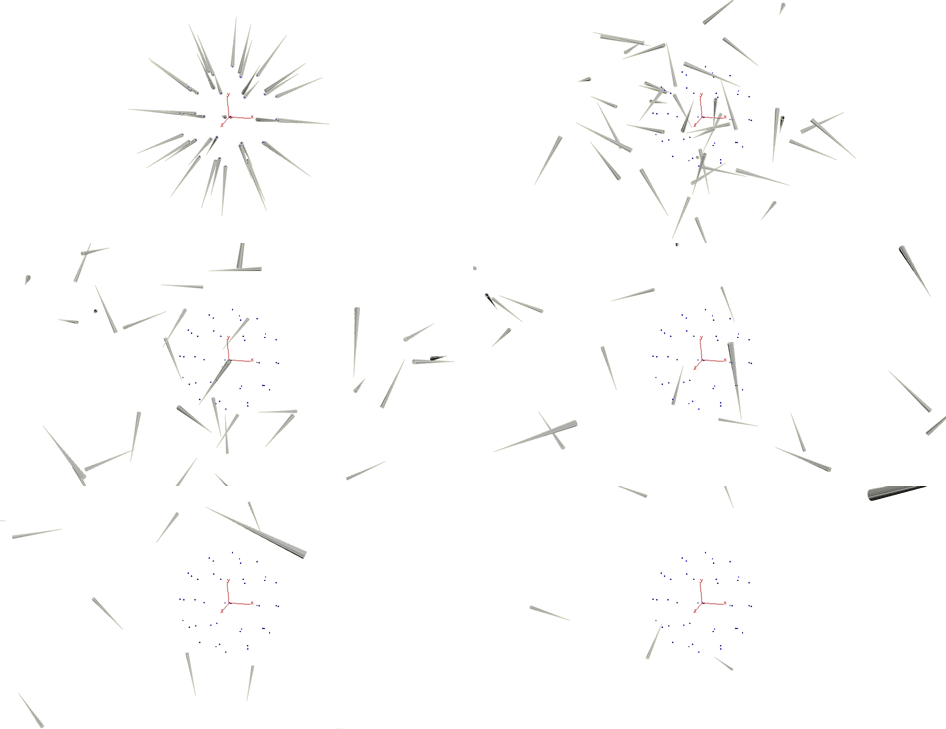
ParticleDynamicsRBDCollisionH13.hipnc — as shown in class: POP collisions leave velocity unchanged after collision; DOPs set it to zero. Take advantage of the POP and point wrangle nodes.
Note: if you have an RBD collision in addition to the ground plane, you may need to change the comparison fromhitnumtostopped, ashitnumgoes back to zero in this case — see ParticleDynamicsRBDCollisionStaticOrNotH13.hipnc
Wrangle nodes (general) and other examples
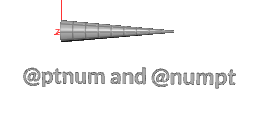
- @numpt and @ptnum
- Particles and variation of color over time using wrangles, or CHOPs
- Particles and instanced lights — vary light types, or override the shader and animate your light intensity
- Using the wrangle node to calculate angles (explanation here)
- Fur Trees (explanation here)
- VEX / VOPs and a little Python
- The bind node has replaced the attribute node in VOPs in versions H14 and up
- In H15,
pragma rangedoes not update the GUI — workaround: rename, apply/accept, edit, then rename back - In Monty, you may need to add the following to your
.bashrcto view code properly:export HOUDINI_USE_HFS_PYTHON=1 - VOPs — customizing a simple shader