Wrangle Node Example — Vex Based Noise to Create Vex Creature
Vop noise on a line inspired by Travis Harkleroad — changed to vex and made into a creature and animated using expressions.
Also on YouTube: https://www.youtube.com/watch?v=uKr3v41cjBo
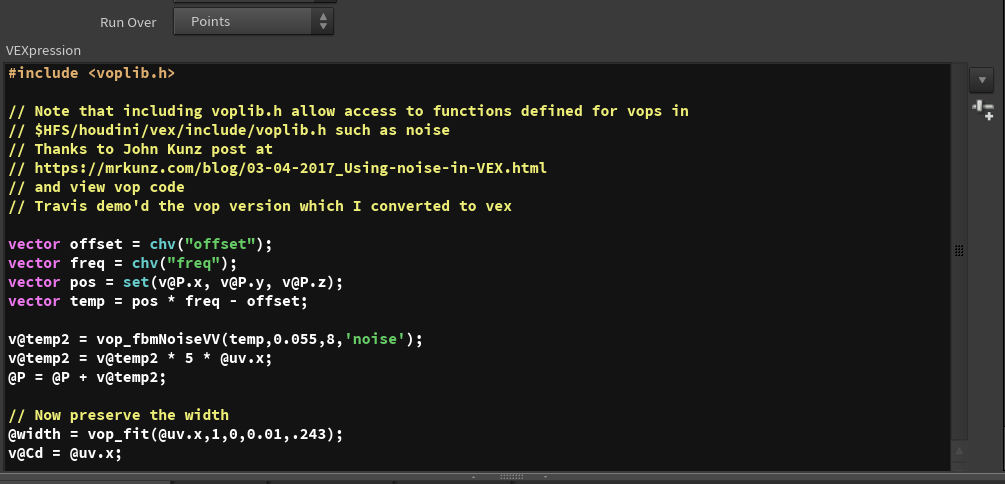
As it turns out, you can use the vop noise function in vex by including the voplib.h library in your point wrangle node. This allows easy access to vop functions in vex.
Travis demo'd the vop version of moving lines. Below is the equivalent functionality in vex.
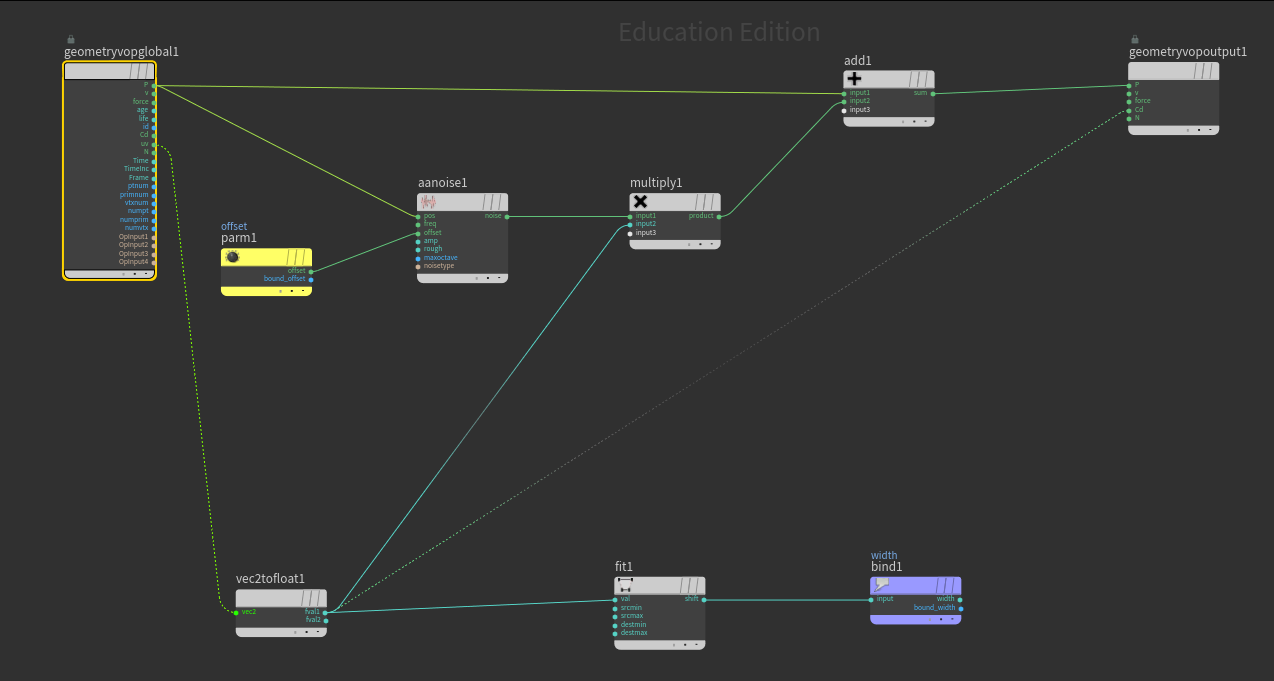
As an exercise, create the original version in vops. If you get stuck, here is a screensnap of the vop version.
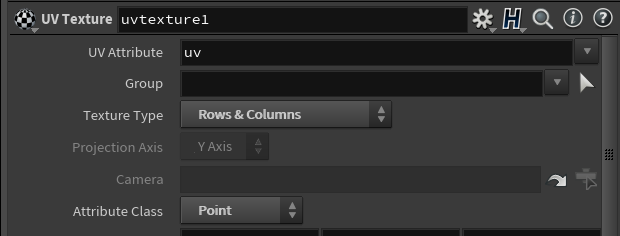
Another very useful feature used here is taking advantage of uv texture on a line. Setting the uv texture node to Rows & Columns and attribute class Point will give an even distribution over the line. This was used to add a little color variation to the "tentacles" from bottom to top.
This is a technique that can be used for a variety of things — in this case it was for color. It has the advantage that it gives a normalized (0 to 1) value along the line.
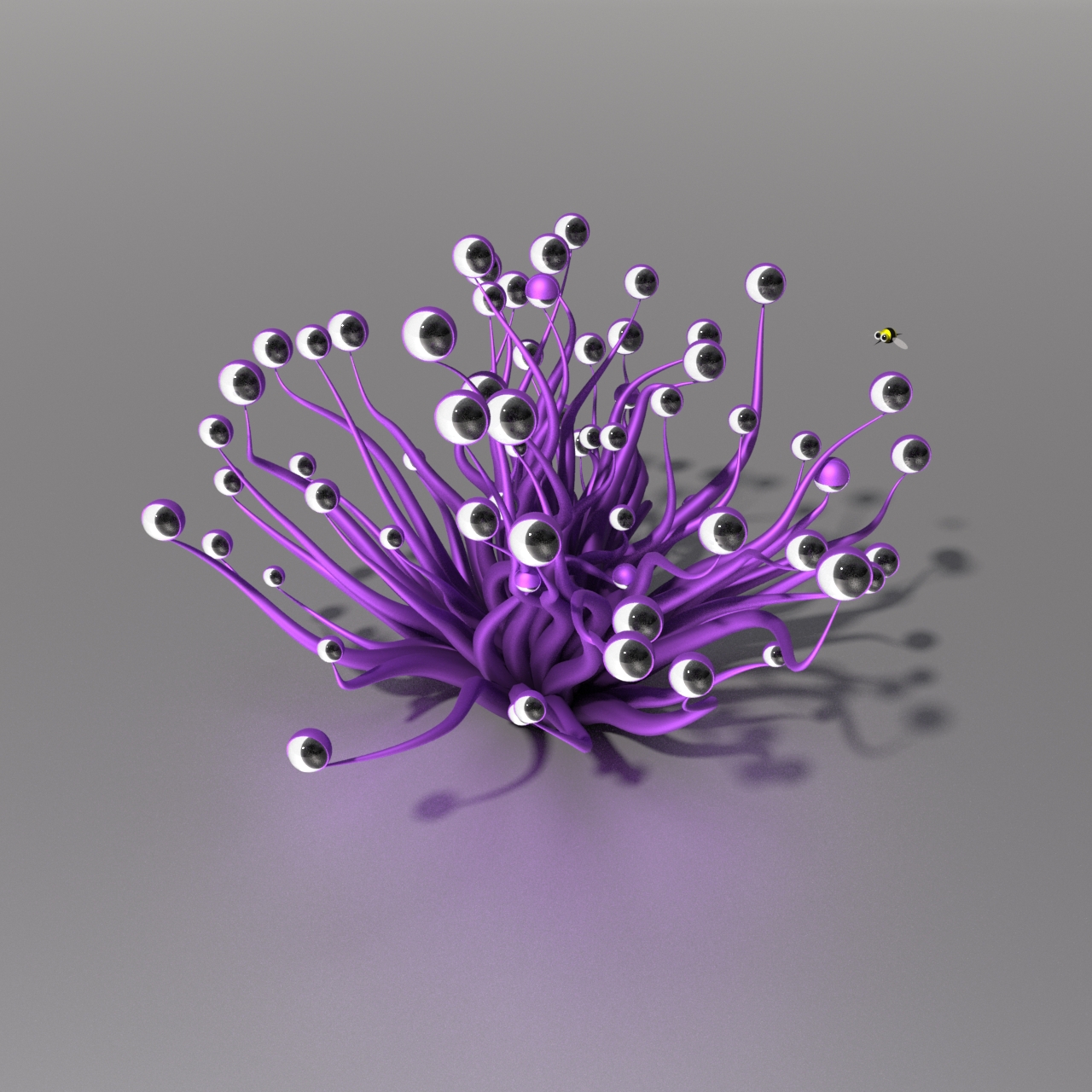
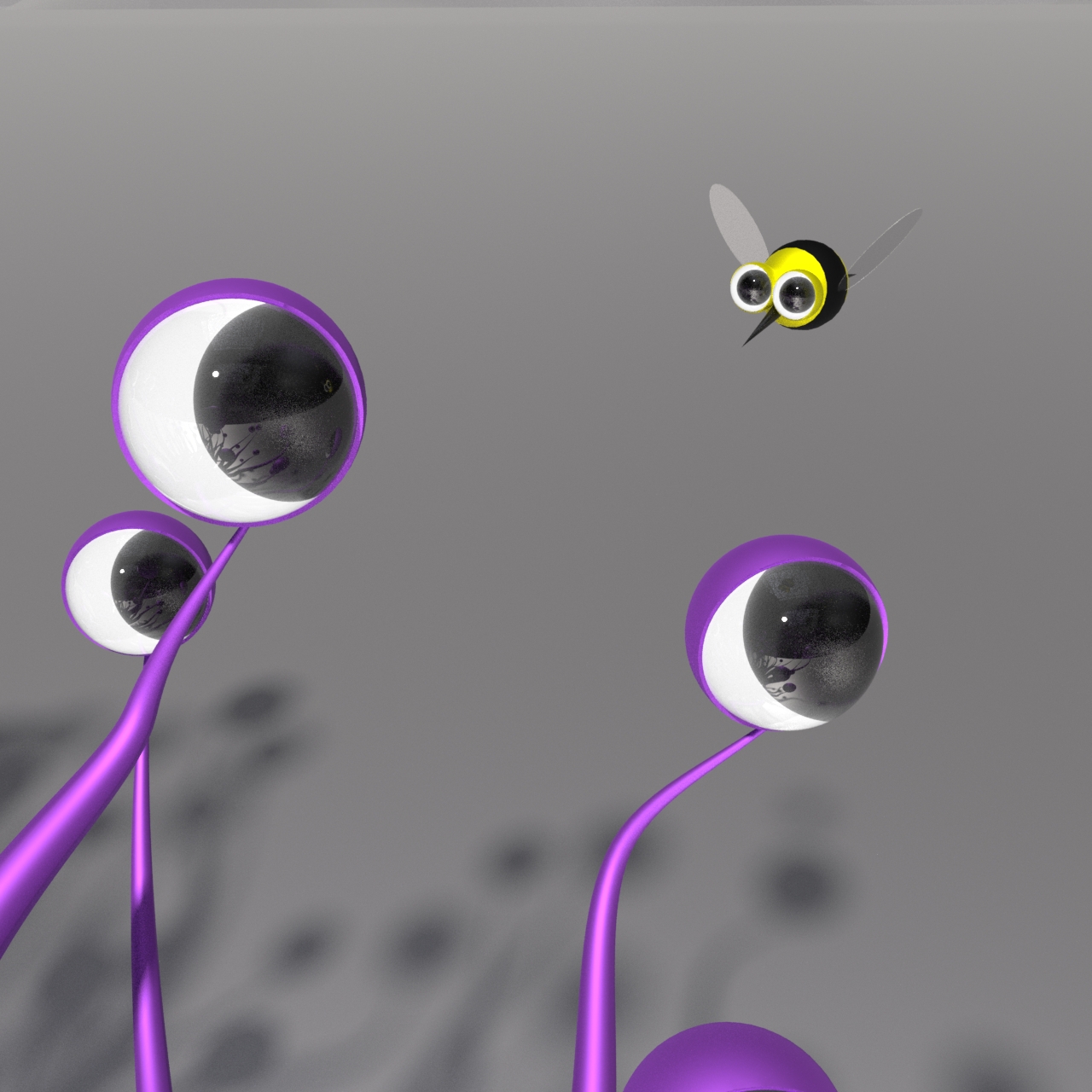
Finally, a bee animation was added with a quick model constrained to follow a curve. The bee was rendered on a separate layer (with the plant as a matte object) to allow motion blur without slowing the rest of the renders down. This can easily be done in the mantra node using the objects tab.
Below is the frame with motion blur, and a close-up of the simple bee model with no motion blur. Details on the wing were not needed due to the motion blur.
A more ambitious version of this would be to avoid intersections — this was not implemented here.